
Bulk communication • Parent support • Safer follow-up
Schools should not feel nervous every time they send one message to many parents.
Unity helps schools prepare, preview, test, send, and track bulk parent communication in one connected workflow.
Quick answer for school leaders
How does Unity make bulk parent communication safer?
Unity helps schools use templates, preview and test-send important messages, send at scale through background jobs, and connect replies to ticket workflows so follow-up does not disappear into inbox clutter.
- 1. Office teams can check the message before it reaches a large audience.
- 2. Support follow-up stays trackable instead of getting scattered across email threads.
- 3. Large communication batches stay manageable for the school team.
Office teams
Send with more confidence and less last-minute checking.
Support teams
Keep replies and ownership visible.
Parents
Receive clearer messages and faster follow-up.
Schools send bulk messages all the time.
Fee reminders. PTM instructions. Transport updates. Document requests. Exam notices. Event changes. Urgent school announcements.
The problem is not sending the message. The problem is sending it safely.
In many schools, one message is drafted in a hurry, checked in someone’s inbox, sent from one tool, and then followed up in another. If parents reply with questions or problems, the team starts rebuilding context from email threads, calls, and staff memory.
This is why bulk communication feels risky. One mistake creates extra work very quickly.
The risk is not the message. The risk is the cleanup after the message.
When a bulk message is wrong, the damage is operational before it is technical.
- Parents call the office for clarification.
- Teachers get pulled into support they did not expect.
- The admin team sends a correction message.
- Support questions get lost in personal inboxes.
The school does not only lose time. It loses clarity.
This is where connected communication workflows matter. Sending should not be one disconnected action. It should be part of a process the school can trust.
Without a clear workflow
- Staff copy old messages and edit them in a hurry.
- Audience mistakes are caught late.
- Replies become a manual inbox problem.
- Large sends feel stressful to monitor.
With Unity
- Templates reduce repeat drafting work.
- Preview and test-send happen before going wide.
- Replies can stay connected to helpdesk follow-up.
- Background processing supports larger audiences.
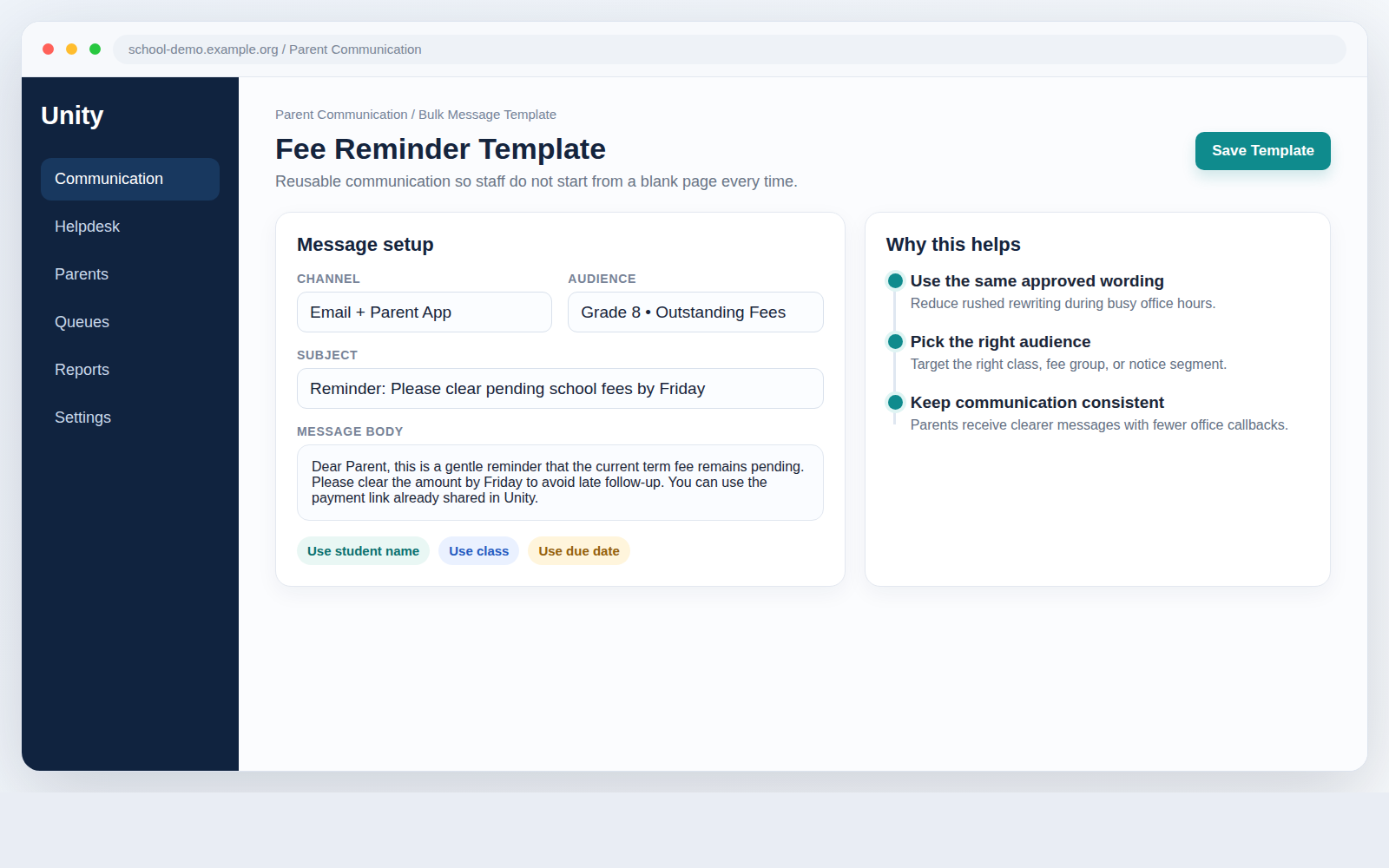
Templates reduce repeat work
Many school messages are repeated with small changes. A fee reminder may change only by date. A PTM notice may change only by grade. A document request may need only a new deadline.
Without templates, staff copy old messages, edit them quickly, and hope nothing important is missed. Unity supports reusable templates so the school does not have to start from a blank page every time.
This helps teams work faster and keep language more consistent. A clearer message means fewer parent calls. Fewer parent calls means less pressure on the office team.
Preview and test-send before a wide send
This is one of the most practical controls in the workflow.
Before a message reaches a large audience, the school can preview it or send a test email first. That gives the team one last chance to catch bad wording, formatting problems, missing details, or wrong audience assumptions.
This sounds small, but it prevents a surprising amount of avoidable confusion. Schools do not need more communication volume. They need more confidence in what is being sent.
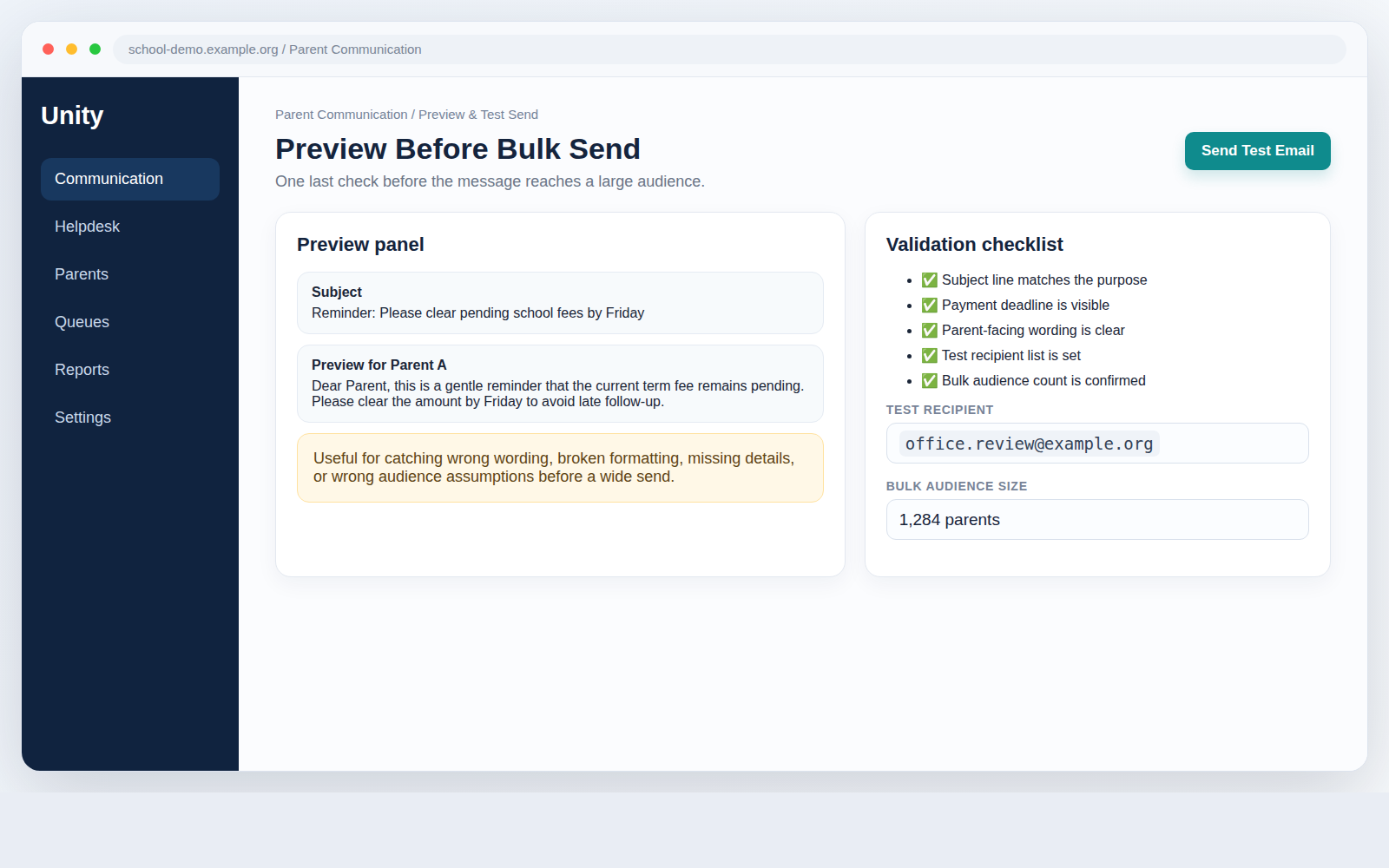
This also strengthens broader notification reliability because staff can review what parents will actually see before the message goes wide.
Communication should connect to follow-up
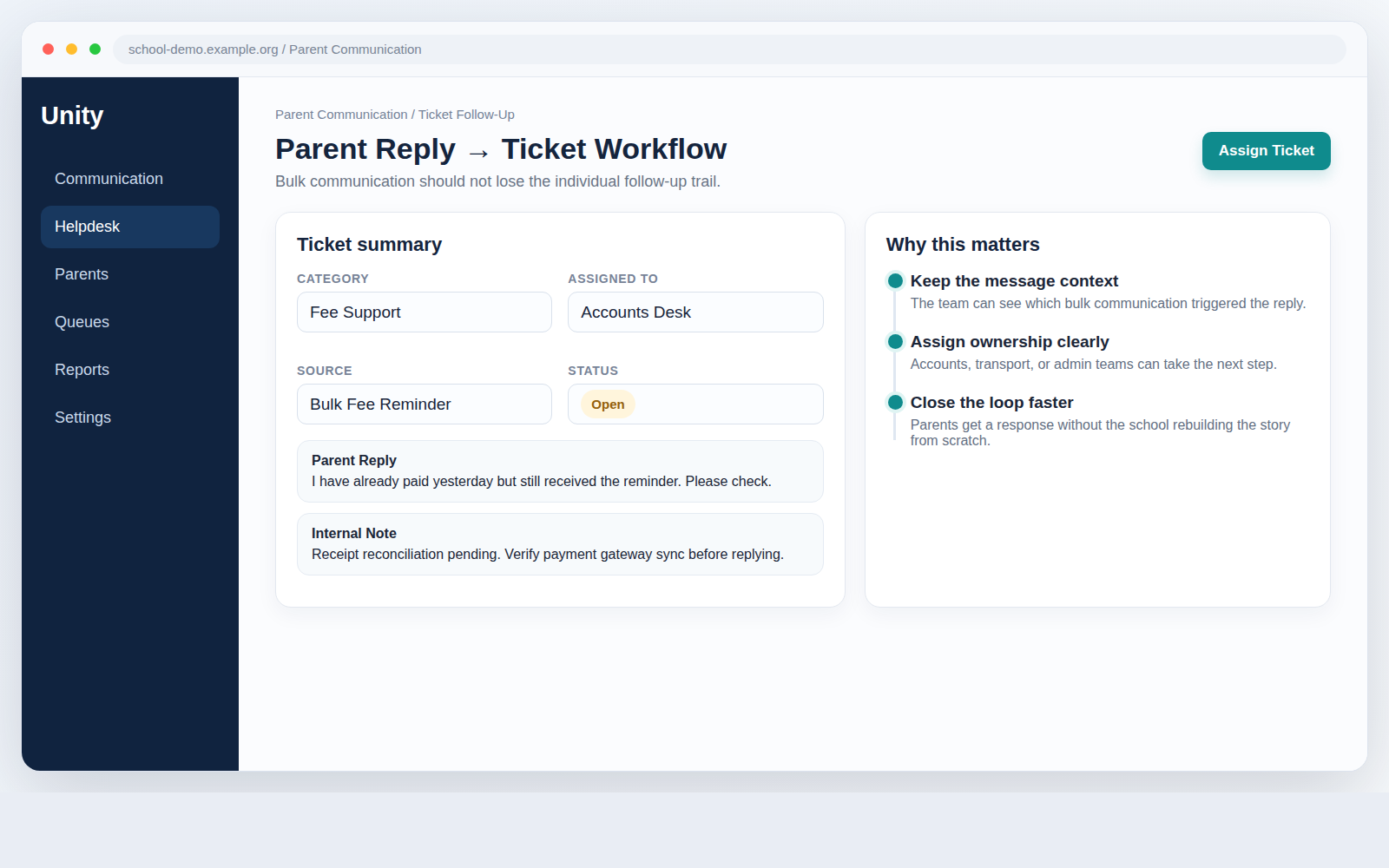
Sending is only the first step. After that, parents ask questions, report issues, or need individual help.
If the school cannot track this properly, communication and support both become messy. Unity connects communication with ticket workflows so follow-up does not disappear into inbox clutter.
That means the school can move from sending a message to tracking responses properly, assigning follow-up clearly, and closing issues with less confusion.
This is especially useful when communication is tied to operational work: a fee reminder creates payment questions, a document notice creates correction requests, or an event update creates transport and timing questions.
That is why this workflow connects naturally with the school helpdesk. The school does not have to rebuild context every time a parent replies.
What changes operationally
Bulk communication stops being a one-way blast and becomes a managed school workflow.
The message can be prepared, checked, sent, and followed up inside one system instead of being split between email, memory, and manual chasing.
Before send
Templates and previews reduce last-minute mistakes.
During send
Background jobs help large batches stay manageable.
After send
Tickets and ownership keep follow-up visible.
Large batches still need control
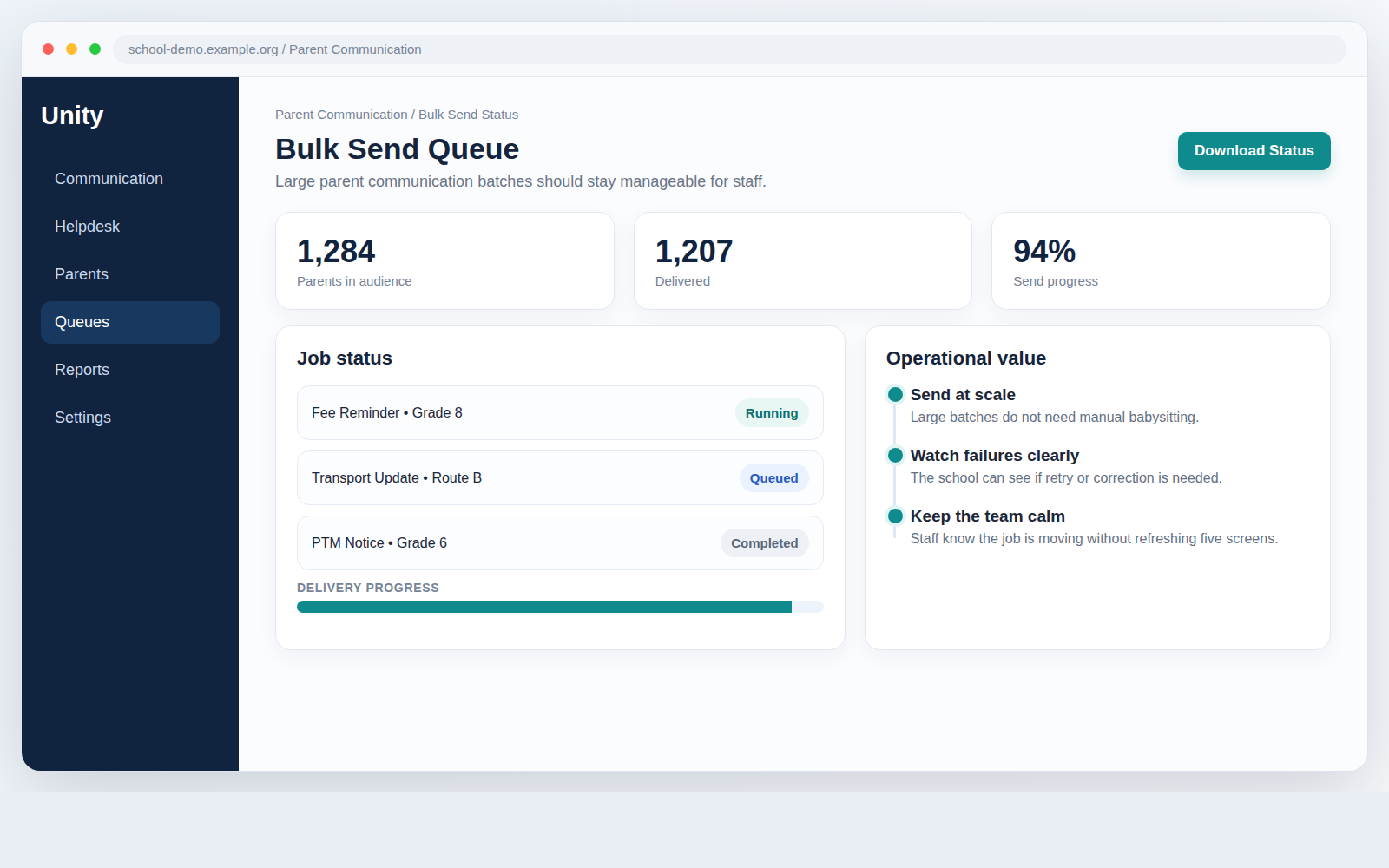
A communication tool may look fine for 20 emails. The real test comes when the school has to send to hundreds or thousands of families.
Unity supports background-job handling for bulk send workflows so scale does not turn into panic. The team should not have to choose between sending widely and staying in control. They need both.
The message should go out reliably. Staff should still know what is happening. The workflow should still feel manageable for the office team.
Internal visibility matters too
Good parent communication is not only about what parents receive. It is also about what the school team can understand internally.
Unity improves thread visibility and assignee clarity, so staff can see who handled what and where a communication-related issue is currently sitting. This sounds like a back-office detail, but it affects daily speed.
If a coordinator or support team member can quickly see the latest context and owner, work moves faster. The school spends less time asking, “Who is handling this?” and more time solving the issue.
What this means for school leaders
Schools do not need more ways to send messages. They need safer communication workflows.
- The right audience should be selected.
- The message should be checked before it goes wide.
- Follow-up should not get lost.
- Support issues should stay trackable.
- Staff should be able to handle volume without confusion.
That is the real value here. Unity does not just help schools send more messages. It helps them send important messages with less risk.
For school leaders, that means fewer avoidable mistakes. For office teams, that means less manual checking. For support teams, that means better visibility. For parents, that means clearer communication and faster resolution.
Ready to make parent communication safer? See how Unity can help your school manage bulk messaging, follow-up, and support in one connected workflow.