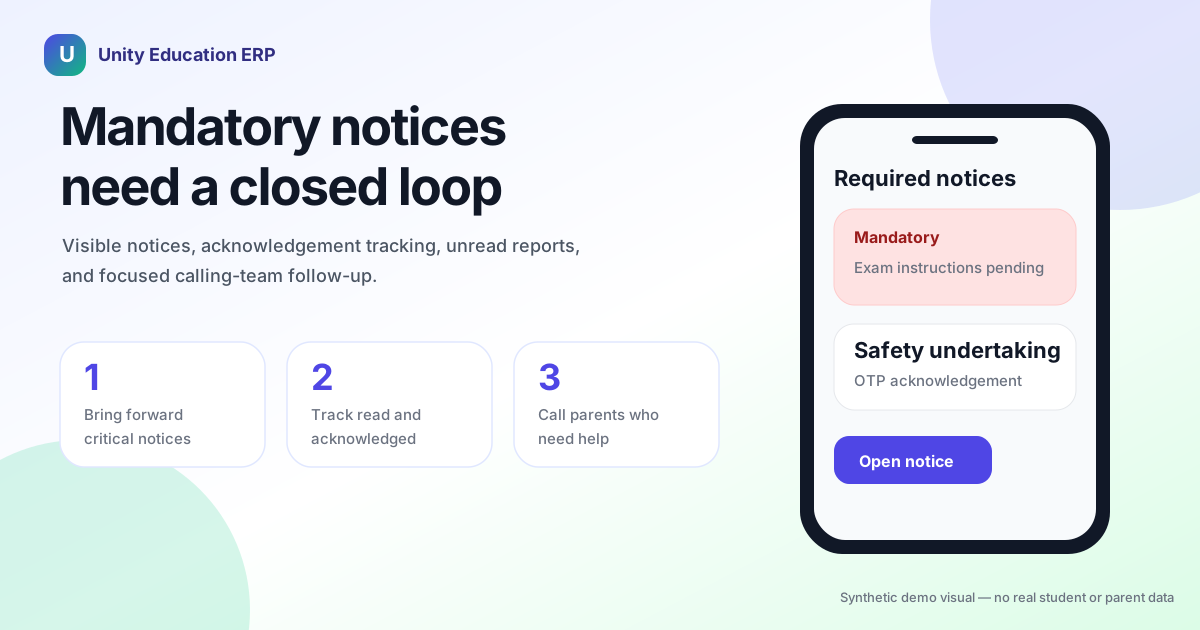
Mandatory notices • Parent app • Calling-team follow-up
Important school communication should not depend on hope.
Unity helps schools make required notices visible, acknowledged, searchable, and escalated when parents still have not opened them.
Quick answer for school leaders
How does Unity make important parent notices harder to miss?
Unity can bring mandatory notices to the front of the parent app, collect acknowledgement, track who has read or missed the notice, and send scheduled unread-parent reports to the calling team for focused follow-up.
Parents
See required notices clearly and complete the expected action.
School teams
Know who has not opened or acknowledged critical notices.
Calling teams
Get a focused list of parents who need help.
Schools send many messages to parents. Some are routine. Some are important. A few are critical.
The problem is that all of them often look the same to a parent.
A homework reminder, a fee update, a transport change, a consent form, an exam instruction, and a safety notice may all arrive as one more notification on a busy phone. Parents are working, travelling, handling family responsibilities, and checking many apps. Even good parents miss messages.
For the school, this creates a daily problem. A notice may have been sent, but the school still does not know whether the parent actually saw it, opened it, understood it, or acknowledged it.
That gap creates follow-up.
Teachers remind parents again. Class coordinators call. The office sends another message. Parents say they did not see the first one. Staff then spend time proving that the notice was sent instead of moving the work forward.
Sending is not the same as acknowledgement
Many school systems treat communication as finished once the message is sent. That is fine for casual updates. It is not enough for required notices.
Some notices need a clear parent action: read an exam instruction, acknowledge a policy update, confirm an undertaking, respond to a consent request, check a fee or document requirement, or open the correct school app screen from a notification.
If the parent does not complete the action, the school still has work pending.
In many schools, this pending work is tracked manually. A teacher keeps a list. A coordinator checks responses. Someone exports data. Someone sends reminders. Someone calls the parent. This is not scalable, and it is not reliable.
A better system separates normal messages from required notices.
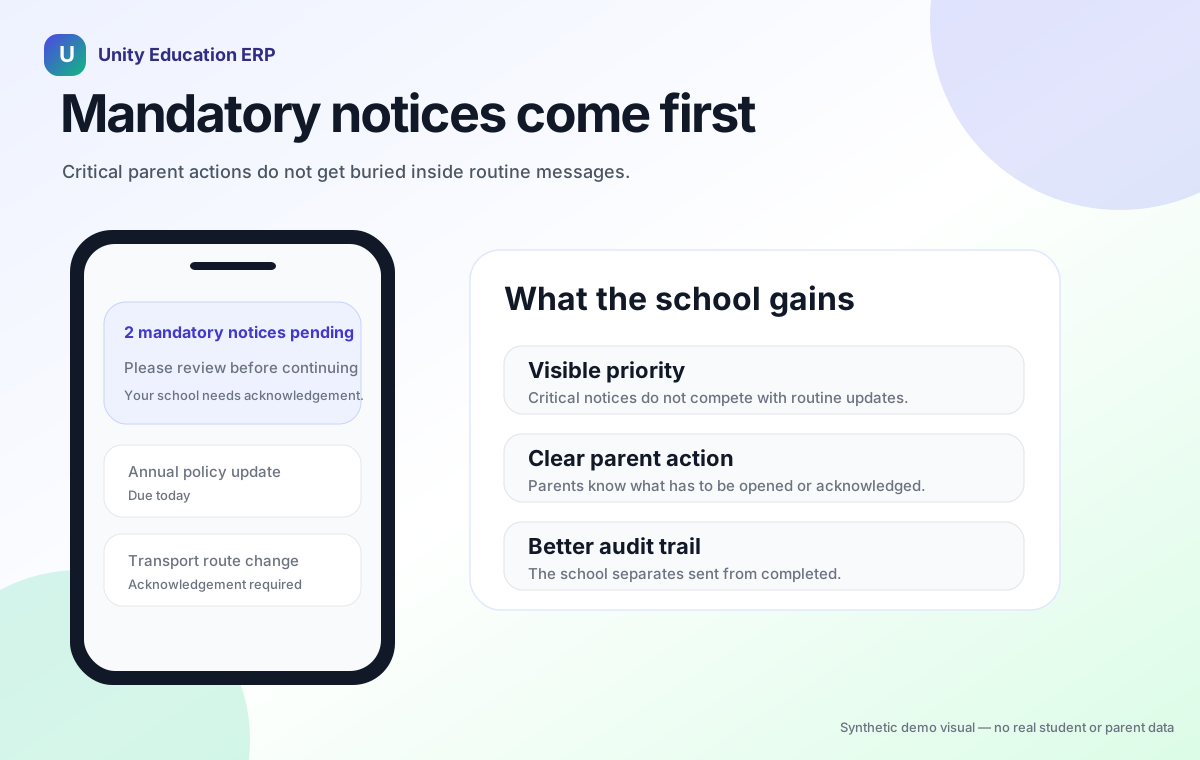
Mandatory notices need a stronger workflow
Unity can help schools mark important notices as mandatory. When a parent has pending mandatory notices, the parent app can bring those notices forward instead of allowing them to get buried in the normal message list.
This changes the communication from “we sent it” to “the parent has to deal with it.”
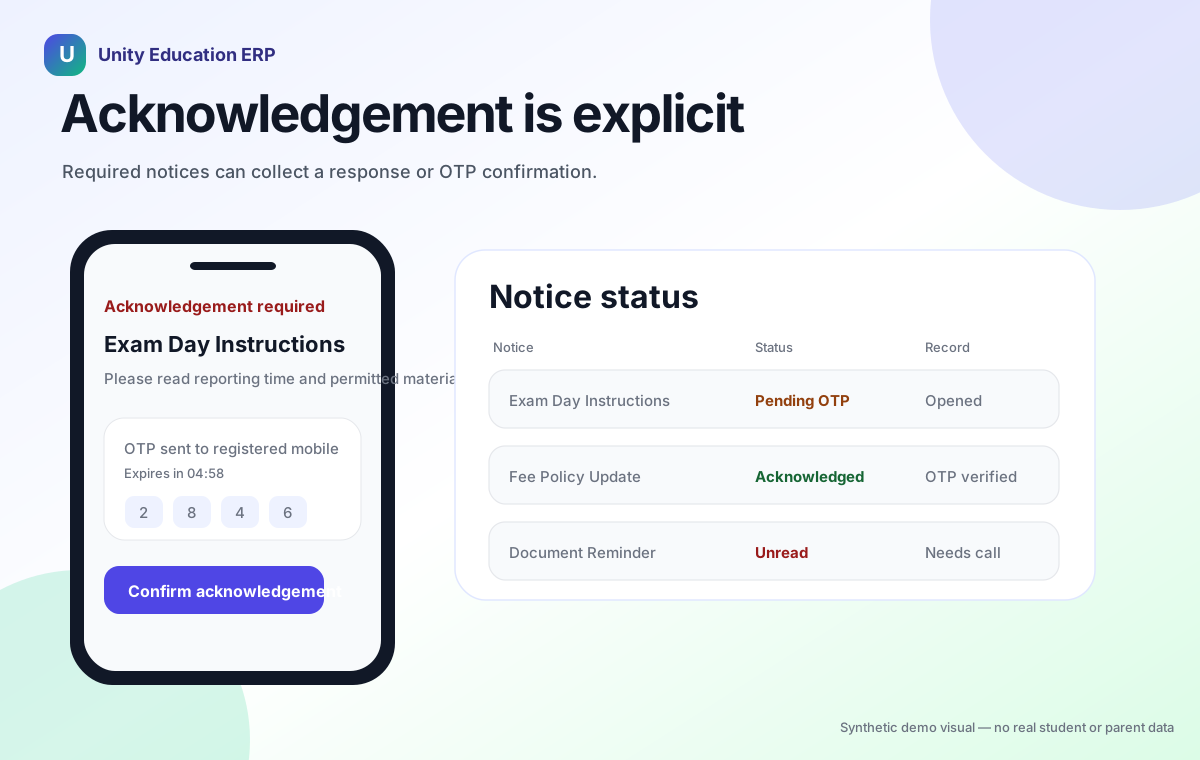
The parent can see the required notice, open the details, and complete the expected action. For stronger acknowledgement, Unity can support OTP-based confirmation. That gives the school more confidence that the acknowledgement is intentional, not accidental.
This is useful for communication where the school needs a clear record: exam instructions, undertaking confirmations, consent notices, policy updates, document requirements, fee-related notices, or any message where “I did not see it” creates operational risk.
The goal is not to make parents feel blocked. The goal is to make important communication clear, visible, and properly acknowledged.
This connects naturally with Unity’s broader communication and notification module, where routine communication and critical communication can follow different operational rules.
Parents need simple mobile behaviour
Parents do not think in ERP language. They think in simple questions: What does the school need from me? Is this urgent? Have I already responded? Where do I find the old message? Why did this notification open the wrong place?
The parent app has to answer these questions quickly.
Unity’s notice workflow supports a cleaner mobile experience. Parents can open notices in the app, see required actions, access archived messages, search old messages, and move from a push notification to the correct destination more reliably.
This matters because parent communication is not happening at a desk. It is happening on phones, between other tasks. A notice flow that feels obvious on a laptop may still fail on mobile if the parent has to search too much, wait too long, or guess where the message went.
That is why this is also a mobile parent app story, not only a messaging story.
Notification taps should open the right place
One common frustration is simple: a parent taps a school notification, but the app does not open the right screen.
That small failure creates a big trust problem. The parent saw the notification. They tried to act. Then the app made them search again.
Unity improves this by handling notification deep links more reliably. A tapped notice notification can take the parent to the right notice or the right app section. This is especially important when parents open notifications from a cold start, from the background, or while another screen is already open.
For school leaders, this is not just technical polish. It affects completion rates. If parents can move from notification to action in one clear path, more work gets completed without calls, reminders, or manual explanation.
When notices are only broadcast
- Important messages compete with routine updates.
- Unread parents are discovered late.
- Teachers and coordinators send repeated reminders.
- The calling team does not know whom to prioritise.
When notices are managed in Unity
- Mandatory notices come forward in the parent app.
- Acknowledgement status is tracked.
- Unread-parent reports can be scheduled.
- Calling teams follow up only where needed.
Unread notices can become a calling-team report
There is one more important step: follow-up for parents who still have not opened or acknowledged a critical notice.
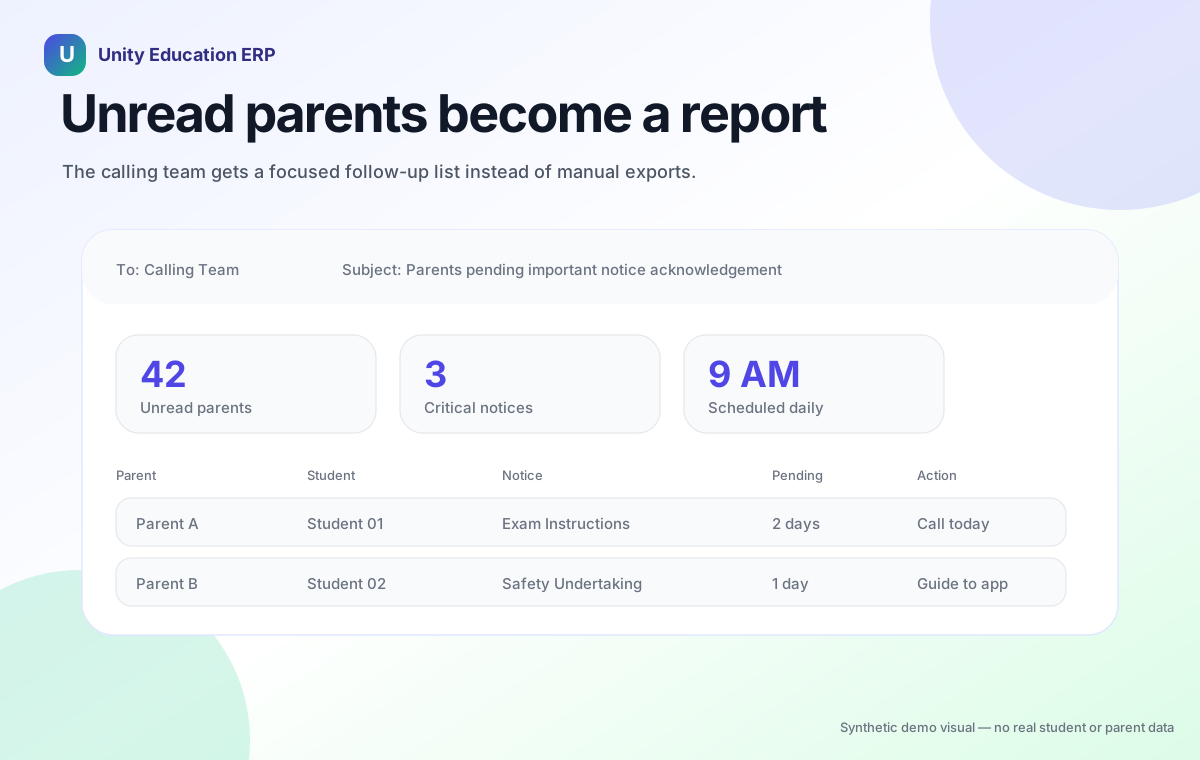
Because Unity can track notice status, the school does not have to guess who missed the message. A scheduled report can identify the parents who have not read or acknowledged important notices and send that list to the calling team.
That report can answer practical questions: Which parents have not opened this notice? Which notices are marked important or mandatory? Which students or divisions need follow-up? How long has the notice been pending? Who should the calling team contact today?
This turns communication data into action. The calling team does not need to manually export lists, check app status one by one, or ask teachers to collect names. They can receive a daily or scheduled email with the exact follow-up list.
The message to the calling team can be simple: these are the parents who have not read these important notices; please call them, guide them to open the app, and make sure they complete the acknowledgement.
This is useful because some parents do not ignore messages deliberately. They may have app issues, notification settings turned off, language confusion, or simply too many messages. A call can solve the problem faster than sending yet another broadcast.
Managed communication loop
The school can move from sending a notice to closing the loop.
1. Send
Mark the notice important or mandatory.
2. Track
See who opened or acknowledged it.
3. Follow up
Send unread lists to the calling team.
Old notices should not disappear into clutter
Parents often need to find an old message later.
Maybe the school sent exam instructions last week. Maybe a fee note had a deadline. Maybe a parent archived a message after reading it, then needs it again. If old notices are hard to find, the parent calls the school.
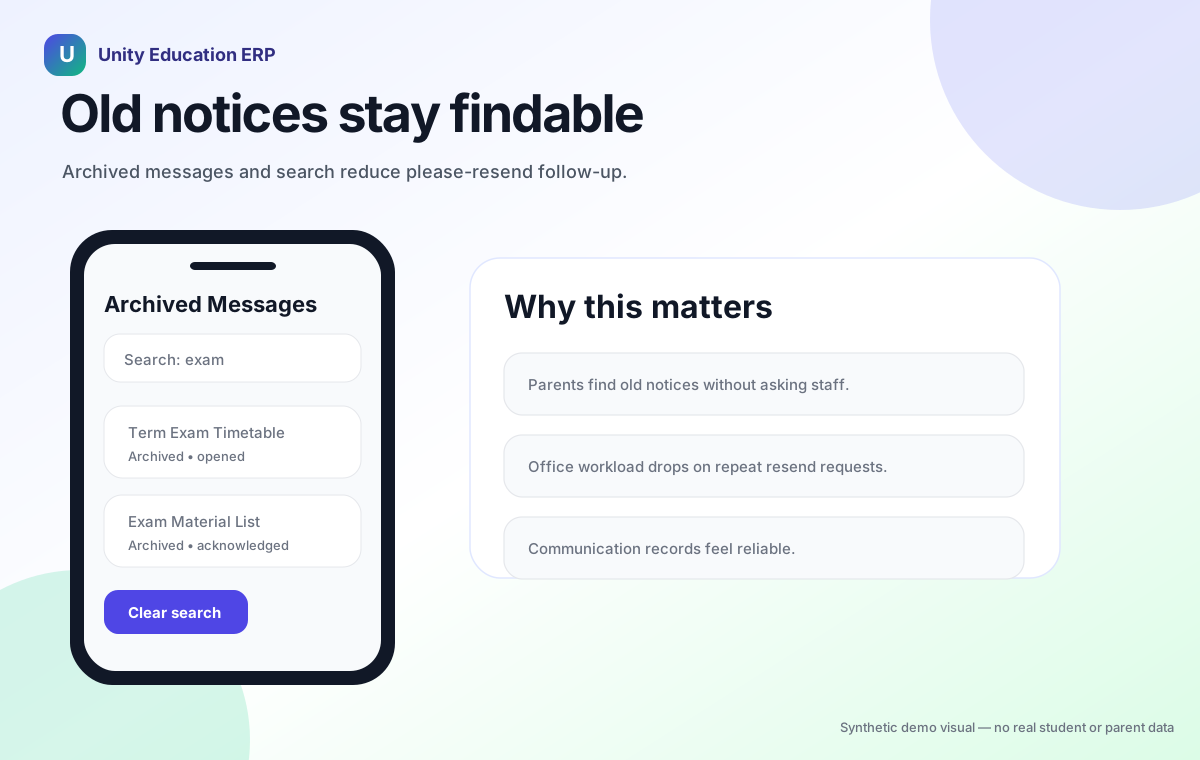
Unity’s archived messages and search improvements help reduce that friction. Parents can find previous communication more easily, instead of asking the class teacher or office to resend it.
This is a small improvement with a large daily impact. Every “please resend the notice” message takes staff time. Every searchable, organized message reduces that time.
Faster notice loading also matters
Schools often underestimate performance in parent communication.
If a notice opens slowly, parents abandon it. If the screen flashes or reloads, they get confused. If the same notice appears twice, they doubt whether the information is correct.
Unity improves the native notice experience with better caching, cleaner detail screens, fixed headers, duplicate-row handling, and smoother loading from cached content where appropriate.
These are not flashy features, but they matter in real use. Parent communication has to feel dependable. A school app that is slow or confusing creates more support work for the school.
What changes for the school team
When mandatory notices, acknowledgements, archives, search, reports, and deep links work together, the school gets a stronger communication workflow.
Instead of asking, “Did we send the message?”, the school can move closer to asking, “Has the parent completed the required action?”
That is a better operational question.
It helps class teachers, coordinators, front-office staff, calling teams, and school leaders work with more clarity. The school can reduce repeated reminders. Parents get a clearer path. Staff spend less time chasing basic acknowledgement.
This is especially useful in Indian schools, where parent communication is frequent and expectations are high. Parents want timely updates. Schools need records. Teachers do not want to spend their day forwarding the same notice again and again.
When acknowledgement gaps become visible, schools can also connect follow-up into broader helpdesk and support workflows instead of relying only on informal staff memory.
Better communication is not more communication
Many schools respond to missed notices by sending more messages. That often makes the problem worse.
If every reminder is another broadcast, parents learn to ignore the volume. Important notices compete with routine messages. Staff then send even more reminders.
Unity takes a different approach. Make the important notice harder to miss. Make the action clearer. Make the old message easier to find. Make the notification open the right place. Make acknowledgement visible. Escalate unread notices to the calling team when needed.
That is how schools reduce communication noise without reducing communication quality.
Unity helps schools close the loop
Unity brings parent communication, mobile app access, notices, acknowledgement, helpdesk follow-up, attendance, fees, academics, and operations into one connected system.
For parents, this means the school app becomes a clearer place to act, not just another inbox. For staff, this means important communication can have a real workflow behind it. For leaders, this means fewer gaps between sending a notice and completing the required action.
Important school notices should not disappear into notification clutter. They should be visible, understandable, searchable, acknowledged, and escalated when parents still need help.
Ready to make parent communication clearer? See how Unity can help your school reduce repeated follow-up and keep important notices from being missed.