Quick answer for university leaders
A large student photo drive succeeds only when every image can be traced to the right student record and academic year.
Unity brings the capture, the reference number, the academic year, the upload state, and the next action into one operational flow. That turns a folder of photos into a batch the team can reconcile.
For the capture team
Know which student the camera is serving and keep a local recovery path.
For records staff
See what reached the record, what is still on a phone, and what needs a retry.
For leaders
Reconcile the batch without asking teams to repeat the whole exercise.
Anyone who has run an orientation day knows the photo session is not the hardest part.
The camera can take hundreds of pictures. The harder question comes later: which picture belongs to which student, which academic year should receive it, and which records still need attention?
At a university or a multi-campus school group, this is not a small admin detail. Student photographs support ID cards, campus access, hostel processes, examinations, student portals, and everyday identification. A wrong image is not just untidy. It can create a real problem for the student and the office team.
The work starts after the shutter
A photo drive often begins with a simple plan. Staff call students in groups. Someone checks a reference number. Someone else takes the photograph. The phone saves a file. The team moves to the next student.
That pace is necessary. Students cannot wait all day. The staff member taking photographs may be working in a corridor, hall, hostel office, or temporary help desk. Connectivity may be uneven. The person doing the capture may not be the person who later checks the records.
When the process depends on memory, a few hours later can be enough to create doubt. Was this photo uploaded? Was it saved under the right reference? Did the upload stop halfway? Was the student in the 2026–27 intake or the next one?
Good operational software makes those questions visible while there is still time to act.
Batch progress is not batch success
“500 photos processed” is not a useful final answer.
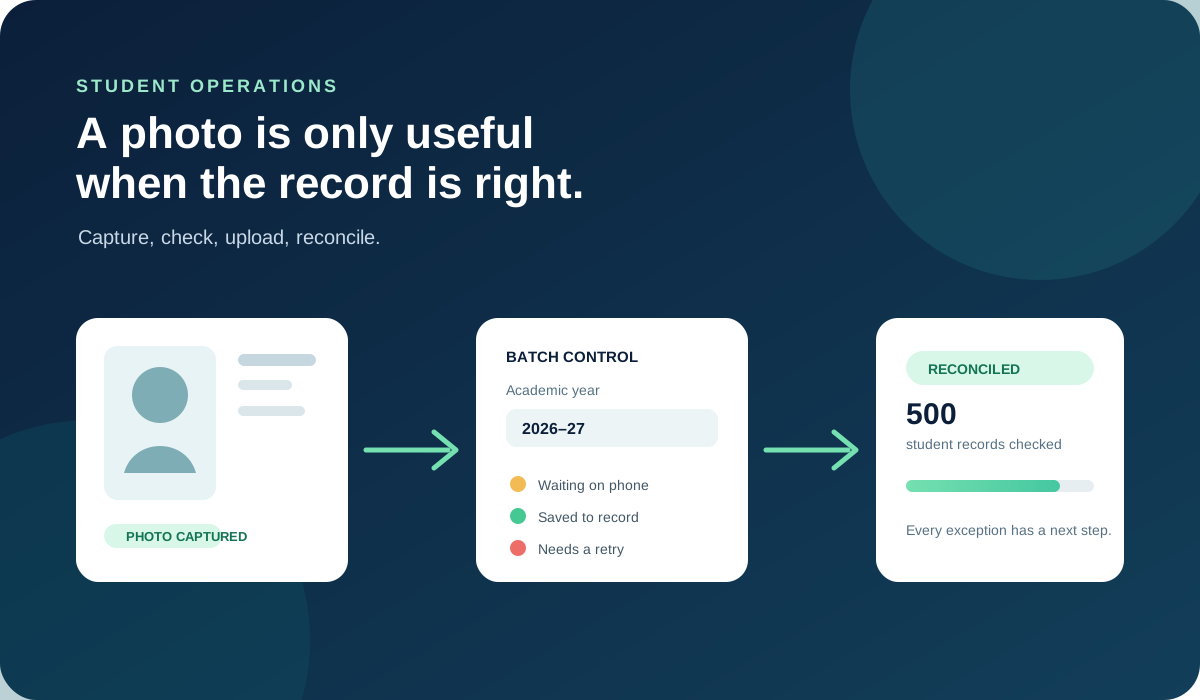
A university needs to know what happened to each record. A practical batch view should separate at least three situations:
- Still on the phone: the image exists locally, but the record needs an upload or confirmation.
- Saved to the record: the photograph reached the intended student record and can be counted as complete.
- Needs a retry: the team has a specific exception to resolve instead of a vague failed batch.
These signals are not decoration. They change the next action. Amber means the phone or capture desk still matters. Green means the record is ready. Red means someone should investigate while the student or source image can still be found.
The academic year is part of the identity
Student photographs are not timeless profile decoration. In a real institution, a student can move through several academic years, programmes, campuses, or enrolments. The photograph used for one year may not be the photograph that belongs to the next record.
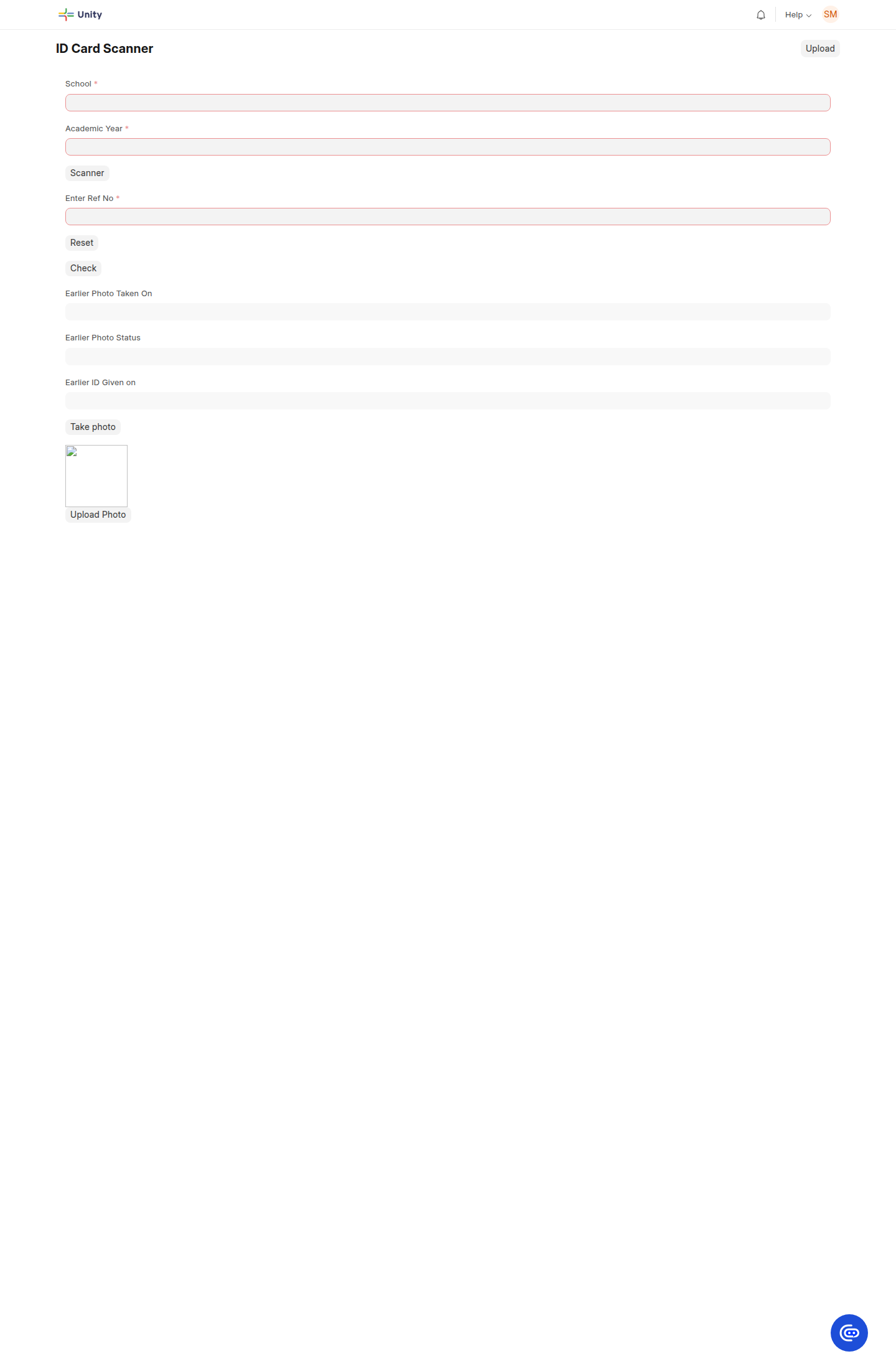
That is why academic year should be treated as part of the operation, not as a note added at the end. A capture team working on the 2026–27 intake must not accidentally populate an older record because the reference number looked familiar.
This is especially important during admissions, orientation, hostel allocation, examination preparation, and campus access drives. The work is time-bound, but the record must remain understandable months later.
Exceptions should not stop the batch
Large operational exercises will have exceptions. A network can drop. A student can be called away. A reference number can be entered incorrectly. An existing photograph can be found during a second pass. One failure should not force the team to start again from the first student.
The safer pattern is to keep the exception attached to the record. The team can see what happened, keep the original on the phone when necessary, and retry only the work that needs attention.
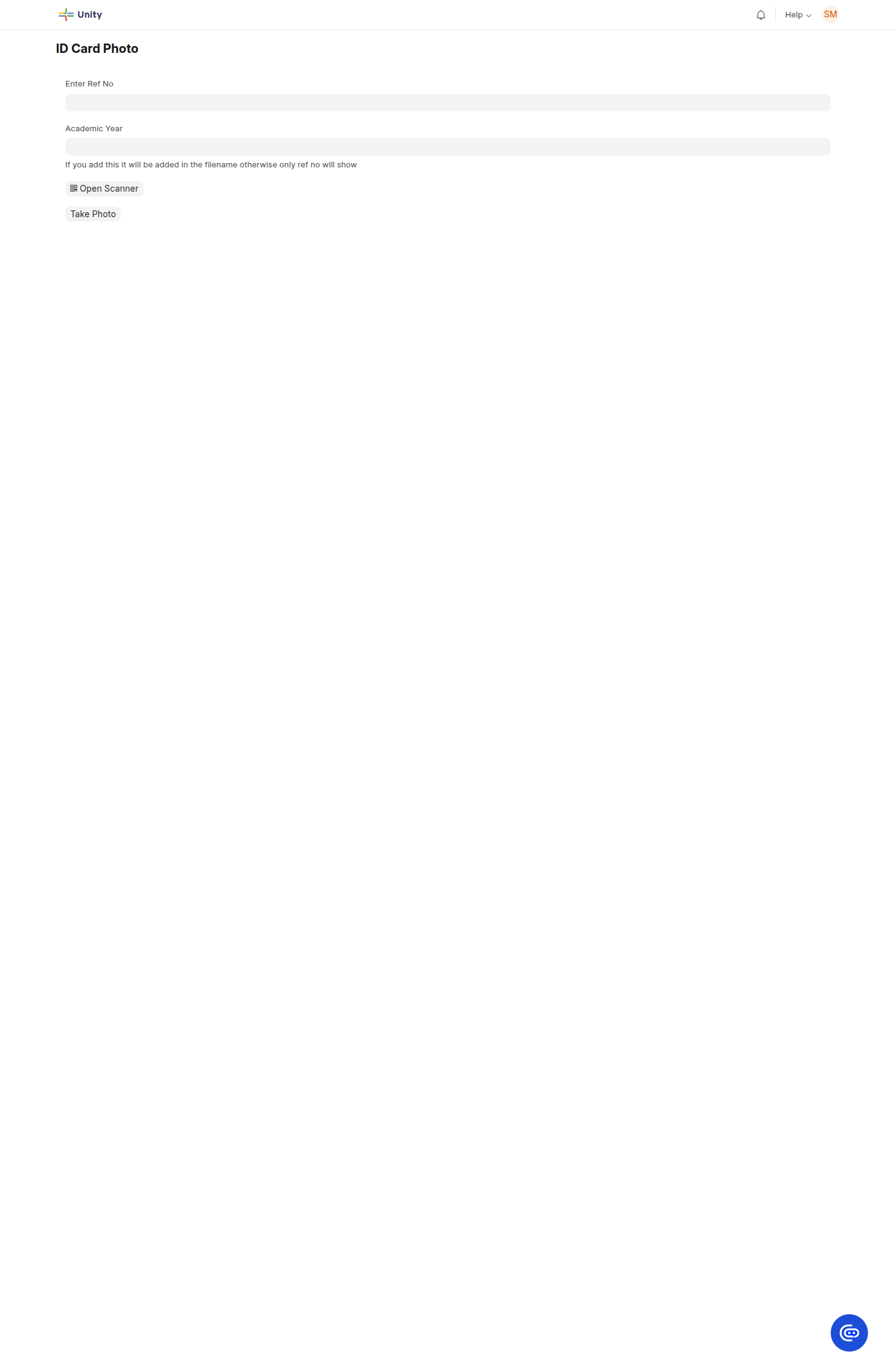
This is where the phone becomes part of the workflow. Naming or retaining the local original with the student reference gives staff a recovery path. It means a weak connection delays the upload, but does not erase the work already done.
The output is reconciliation, not a folder
A folder full of images may look like progress. It is not proof that the student records are ready.
The useful output is a reconciliation list:
- which students have a confirmed photograph;
- which images are waiting on a phone or upload;
- which records need a retry or human check;
- which academic year and reference were used;
- which work is complete across the campus or batch.
That list gives an operations manager something they can act on. It also gives the next team a record they can trust when ID cards are printed or campus services begin.
Why this matters beyond ID cards
Universities often discover the cost of weak identity workflows at the busiest time. A new cohort is arriving. An exam cycle is close. Hostel rooms are being assigned. Multiple campuses are preparing access cards. Staff are moving quickly, and there is little patience for a second round of data collection.
A controlled photo workflow helps the institution keep moving without losing traceability. The same principle applies to student onboarding, programme enrolment, campus services, and other records that change with the academic year.
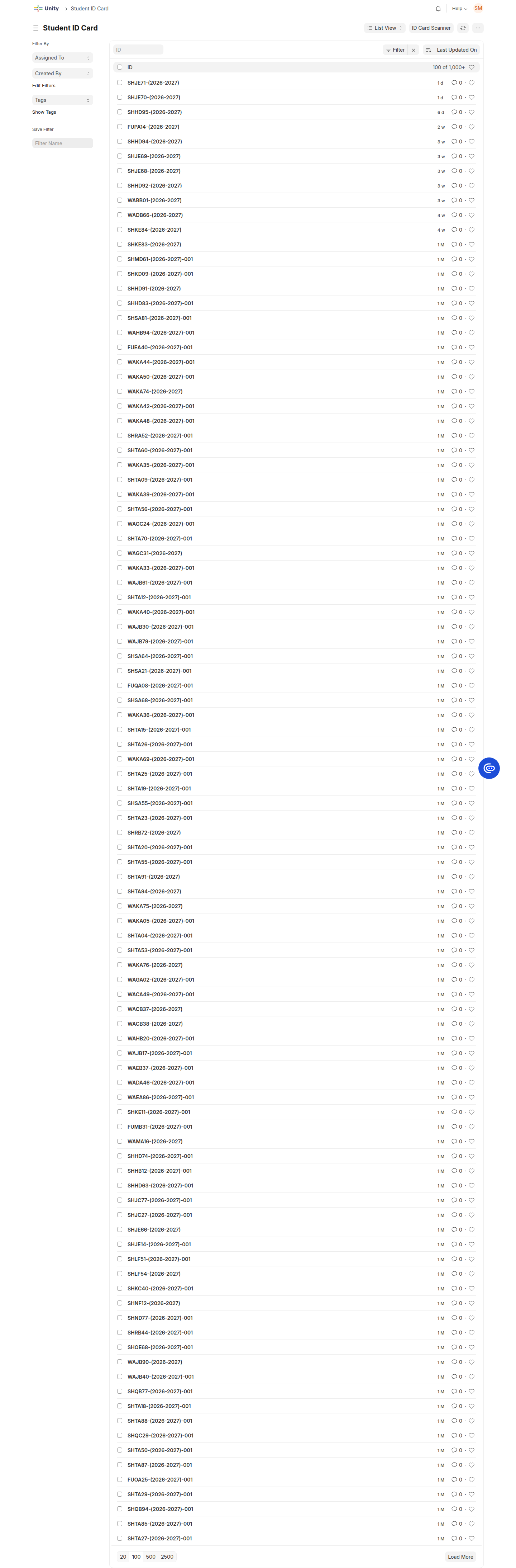
Unity connects this work with student management, ID card scanning, and multi-branch operations so the photo is part of the institution’s record, not a separate media exercise.
Good education software protects the work already done
The point is not to make staff take longer over every photograph. The point is to let them move quickly without creating a mystery for the person who checks the batch later.
At scale, accuracy is not achieved by asking people to be more careful and hoping they remember. It comes from giving the team a clear reference, a clear year, visible status, and a recovery path for exceptions.
Hundreds of student photos are not a media problem. They are a record-keeping problem with a camera in the middle.
Make student onboarding easier to reconcile
See how Unity connects student records, academic years, ID cards, and campus operations in one practical education platform.