Quick answer for school leaders
Parents see school life faster when event photos move straight from staff phones into the right school record.
Unity helps staff capture and upload event photos during busy school moments, with clearer upload feedback and less dependence on WhatsApp cleanup later.
For staff
Take photos on mobile and know the upload has started.
For parents
See school activities sooner through a structured gallery.
For leaders
Keep event memories organised by event, class, and year.
In many schools, an event does not feel complete until parents see the photos.
A sports day, field trip, annual day, club activity, or class celebration may take weeks to plan. Teachers manage children. Admin teams manage rooms, buses, visitors, notices, and timing. After all that, parents often ask one simple question: “Can we see the photos?”
That question is not small. Photos help parents feel included. They show that the child was safe, involved, and happy. They also help the school tell its story without a long report.
But the work behind event photos is not always simple.
The real school behaviour
In a busy school, photos are often taken in the middle of many other tasks.
A teacher may be standing near the stage. A coordinator may be moving between classrooms. A sports teacher may be on the ground with students waiting for the next race. Nobody has time to open a slow system, select many files, wait without feedback, and hope the upload worked.
So staff do what feels safest. They use the phone camera. They take the photo quickly. They share it later on WhatsApp. Or they send it to one admin person who collects everything at the end of the day.
This works for the moment, but it creates cleanup later.
Photos get scattered across phones and chats. The right event gallery may stay empty. Parents may wait longer than needed. Admin teams may have to ask again: who has the photos, which class was this, and have they been uploaded yet?
The hidden fear: “Did it actually save?”
The real problem is not just uploading an image.
The real problem is confidence.
If a staff member taps save too early, or the page moves before the upload finishes, the photo may not appear where expected. Then someone has to check again. A teacher may need to retake the photo. An admin may need to ask who uploaded what. Parents may see a delay and feel the school is not sharing properly.
Small upload issues become extra work because school teams are already stretched during events.
The hidden fear is simple: “I did the work, but did the system keep it?”
Good ERP design should remove that doubt.
How Unity responds
Unity is designed around school habits first.
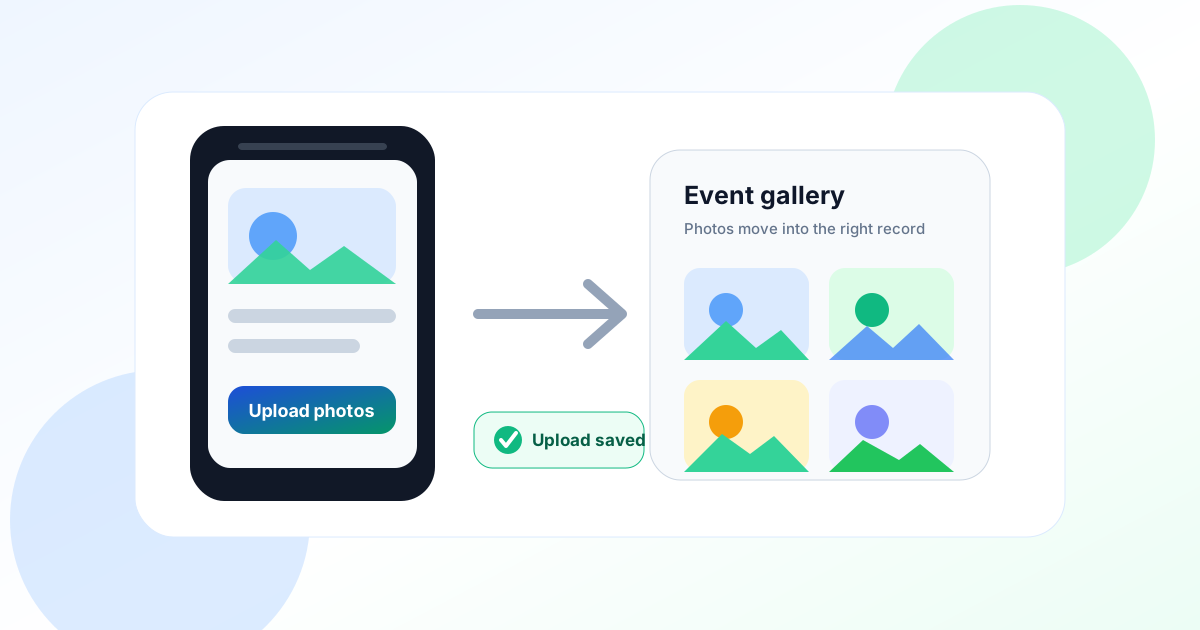
For event galleries, that means the mobile flow should feel natural. Staff should be able to open the camera, take photos, and let the system place them in the right event record.
While photos are uploading, the app should make the next step clear. It should stop accidental actions that can interrupt the upload, but it should not make the page feel frozen or broken.
This is a small product detail, but it matters. A simple uploading message tells the staff member that work is still happening. A clear success message tells them the photos have reached the gallery. The form refreshes so the new photos are visible.
The result is not a flashy feature. It is a calmer workflow.
Teachers and admins do not need to guess. They do not need to repeat work. Parents get a more reliable gallery. The school keeps a cleaner event record.
This connects naturally with Unity’s events module, mobile web application, and parent communication workflows.
Better parent transparency starts with better staff experience
Many schools want stronger parent engagement. They want parents to see activities, not only notices and marks. They want the parent app to feel alive.
But parent transparency depends on staff adoption.
If uploading event photos feels risky or slow, staff will avoid it. They may send photos on WhatsApp instead. They may wait until the end of the day. They may depend on one person to collect and upload everything.
That creates delays and confusion.
When the upload flow is simple and safe, more staff can share photos at the right time. Parents see school life more clearly. Leaders get a better record of events across branches, classes, and years.
This is how small workflow improvements support a larger school promise.
Why this belongs in an education ERP
An education ERP is not only for fees, attendance, payroll, and reports. Those are important. But schools also run on trust, memory, and communication.
Parents remember the moments they can see. Teachers need tools that work during real school conditions. Leaders need records that stay organised after the event is over.
Unity’s approach is simple: digitise the workflow without ignoring the human setting.
A school event is noisy. Staff are busy. Internet may be uneven. A child may need attention. A parent may be waiting. In that situation, the best software is not the one with the longest menu. It is the one that quietly protects the work already done.
Event photo handling proves a broader Unity belief: good school software should reduce doubt at the exact moment staff are most busy.
When the system makes the right action easy, everyone benefits. Staff save time. Parents get more transparency. Admin teams avoid follow-up. Leaders build a richer, cleaner record of school life.
Want parents to see school life sooner?
See how Unity connects events, mobile access, parent communication, and daily school operations in one practical platform.