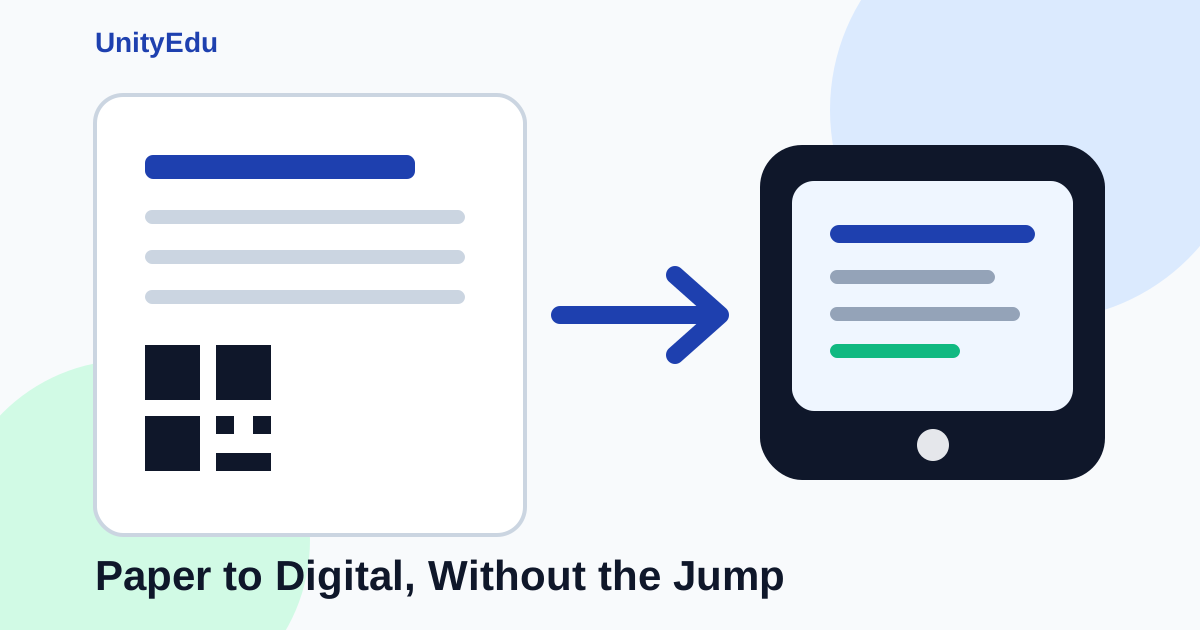
Paper workflows • QR codes • Digital adoption
Digital change works better when schools do not have to jump all at once.
Unity uses smart paper formats as a low-friction bridge from familiar school processes to connected digital records.
Schools do not become digital in one jump.
Most school processes already have a rhythm. Teachers know when to mark attendance. Coordinators know which sheets to collect. Admin teams know how to check records.
These workflows may look manual, but they are familiar.
If a school tries to replace everything with a screen on day one, it can create friction.
Teachers need training. The process changes. Devices need to be ready. Internet must work. Staff may worry about mistakes.
A simple daily task can suddenly feel harder.
That is why paper can be a useful first step.
Paper is not the opposite of digital.
Used well, paper can be the bridge to digital.
Start with the format people already understand
In many schools, the easiest way to introduce a new system is to begin with a printed format.
The school can create a clean attendance sheet, homework sheet, or observation sheet. Teachers can use it the same way they already work. They do not need to change everything at once.
But the sheet is not just a plain paper form.
It is generated from the school system. It carries the right school, class, division, academic year, month, and sheet type. It can also include a QR code.
This makes the paper part of the system.
A forced digital switch can create friction
- Teachers need to change habits immediately.
- Devices and internet become daily blockers.
- Staff may keep parallel paper notes anyway.
- The system feels like extra work, not support.
A paper bridge lowers the barrier
- Teachers keep a familiar classroom workflow.
- Sheets carry structured system data.
- QR codes help identify each record later.
- The school can move digital step by step.
Why QR-coded paper works
A QR code gives each printed sheet an identity.
It can tell the system what the sheet is for. For example, it can carry the school, class, division, academic year, month, and sheet type.
This reduces guesswork later.
When the paper comes back, the school can connect it to the right record. The data can be entered through OCR, a mobile scan, or a simple staff workflow.
The exact method may change by school, but the goal is the same.
The paper should not become a dead end.
It should become an entry point into the digital system.
This lowers adoption friction
The biggest challenge in school software is not always the feature.
It is adoption.
People need time to change how they work. A process that is easy for the software team may not be easy for the teacher in a busy classroom.
A printed sheet lets the school keep the familiar workflow while improving the backend.
Teachers continue with paper. The office starts getting cleaner, more structured records. The system starts learning the school’s real process.
Then, once the process is stable, the school can move to a more digital version.
A practical migration path
Paper first does not mean paper forever.
A smart paper workflow can lead to OCR, mobile capture, tablets, and eventually a fully digital classroom process.
1. Print
Generate clear sheets from Unity.
2. Identify
Use QR codes to connect paper to records.
3. Ingest
Bring data back by OCR, mobile scan, or office entry.
4. Digitize
Move to tablets when the process is ready.
Attendance is a good example
Attendance is one of the hardest school workflows to change suddenly.
It happens every day. It happens quickly. It involves many teachers, classes, and divisions.
If the new system is slow or confusing, staff will resist it.
A practical path is to start with printed attendance sheets.
In the first stage, the school can print attendance sheets with QR codes. Teachers mark attendance on paper. The sheets are then brought back into the system through scanning, mobile capture, or office entry.
This already improves the process.
The sheet is cleaner. It belongs to the right class and month. It can be tracked. It can be connected back to the digital record.
Later, when teachers are used to the workflow and the school is ready, the same process can move to tablets.
Now teachers can mark attendance directly on the device.
The move feels natural because the process has already changed step by step.
Frappe makes this approach practical
Unity is built on Frappe, and Frappe already supports template-based document generation.
That makes it practical to create printed formats using Jinja templates.
Schools can generate structured PDFs for attendance, homework, observations, and other daily records.
These formats can include school details, student lists, QR codes, and clear layouts.
This is not a side workflow.
It is a migration strategy.
Cleaner printed sheets still matter
If paper is the bridge, the bridge must be strong.
That means printed sheets should be easy to read and easy to fill.
Small layout changes matter: better spacing, clearer headers, fixed rows, compact tables, readable marking schemes, and better handling when roll numbers are missing.
These details reduce daily friction.
A teacher should not struggle with a badly formatted sheet. An admin should not have to guess which class a paper belongs to. A coordinator should not waste time fixing sheet errors by hand.
The goal is not paper forever
The goal is not to keep schools on paper forever.
The goal is to make the transition easier.
A good school system should respect how work happens today. Then it should help the school move forward without breaking daily operations.
QR-coded paper formats do this well.
They give schools a low-friction starting point. They help staff build trust in the system. They create structured records.
They also prepare the school for OCR, mobile capture, tablets, and fully digital workflows.
This is how digital change works in real schools.
Not by forcing a sudden switch.
By building a bridge.
Ready to move from paper to connected digital workflows?
See how Unity and UniPrint help schools create smarter printed records and move toward digital adoption one practical step at a time.
Schedule a Demo